



- Find the best broker for your trading needs
- Compare spreads, fees, and platforms
- Read in-depth reviews and analysis

Page Navigation


Select a different country or region to view content tailored to your location.

FxScouts helps traders across the globe by meticulously testing and reviewing online brokers and providing Forex education and market analysis. Our partners compensate us through paid advertising. While partners may pay to provide offers or be featured, they cannot pay to alter our recommendations, advice, ratings, or any other content. Our content and research teams do not participate in any advertising planning nor are they permitted access to advertising campaign data. For more detailed information click this link.


Chris manages the relationships with our partners to provide the best Forex trading experience possible for our users. Chris has 15+ years of research, and editorial and design experience for political and financial publications. His background has given him a deep understanding of international financial markets and the geopolitics that affect them.
MetaTrader 4 (MT4) has remained the most widely used Forex trading platform for nearly 20 years. Fast, lightweight, and highly customisable, it delivers precise charting, robust automated trading via Expert Advisors (EAs), and reliable execution across market conditions.
Because almost every Forex broker offers MT4, choosing the right one can be challenging. The brokers featured on this page stand out for their tight spreads, strong regulation, high-quality execution, and overall MT4 performance. Our team has tested more than 180 brokers to highlight the best MT4 options for different trading styles, experience levels, and budgets.
Trusted. Transparent. Tested.
For over a decade, we’ve set the standard in forex broker reviews—collecting thousands of data points yearly to deliver unbiased, expert-backed insights.
Skip the trial and error! Below, you’ll find the best forex brokers for Kenyan traders for 2026—thoroughly tested, verified, and ranked, so you can trade with confidence.

Swipe to scroll
Broker | Official Site | Regulated By | Website Language: English | Support Language: English | Compare | |||||
|---|---|---|---|---|---|---|---|---|---|---|
 | USD 100 | 400:1 |      | 930 | 63 | Yes | Yes | |||
 | USD 0 | 400:1 |    | 1597 | 90 | Yes | Yes | |||
 | USD 0 | 400:1 |    | 1230 | 53 | Yes | Yes | |||
 | USD 3 | Unlimited:1 |  | 221 | 100 | Yes | Yes | |||
 | USD 0 | 200:1 |     | 19295 | 80 | Yes | Yes | |||
 | USD 10 | 1000:1 | | 2193 | 49 | Yes | Yes | |||
 | USD 100 | 200:1 |  | 2241 | 70 | Yes | Yes | |||
 | USD 5 | 1000:1 |  | 1554 | 57 | Yes | Yes | |||
 | USD 0 | 1000:1 |  | 1318 | 83 | Yes | Yes |











Select another broker to another broker to compare features, fees, and platforms side by side.
Find Your Ideal Forex Broker
Select another broker to another broker to compare features, fees, and platforms side by side.
0.9 pips
FRSA, CBI, FSCA, ASIC, CySEC
USD 100
AvaOptions, Avatrade Social, MT5, MT4
400:1
Includes Guardian Angel, economic calendar, and advanced risk management tools integrated into MT4
Gives flexibility to traders who prefer predictable cost models
Direct integration with MT4 for fundamental and technical trade signals
Kenya-specific onboarding and support make it easier for local traders to access global markets
Not ideal for micro traders or complete beginners with small capital
Kenyan traders registered under certain entities may have capped leverage
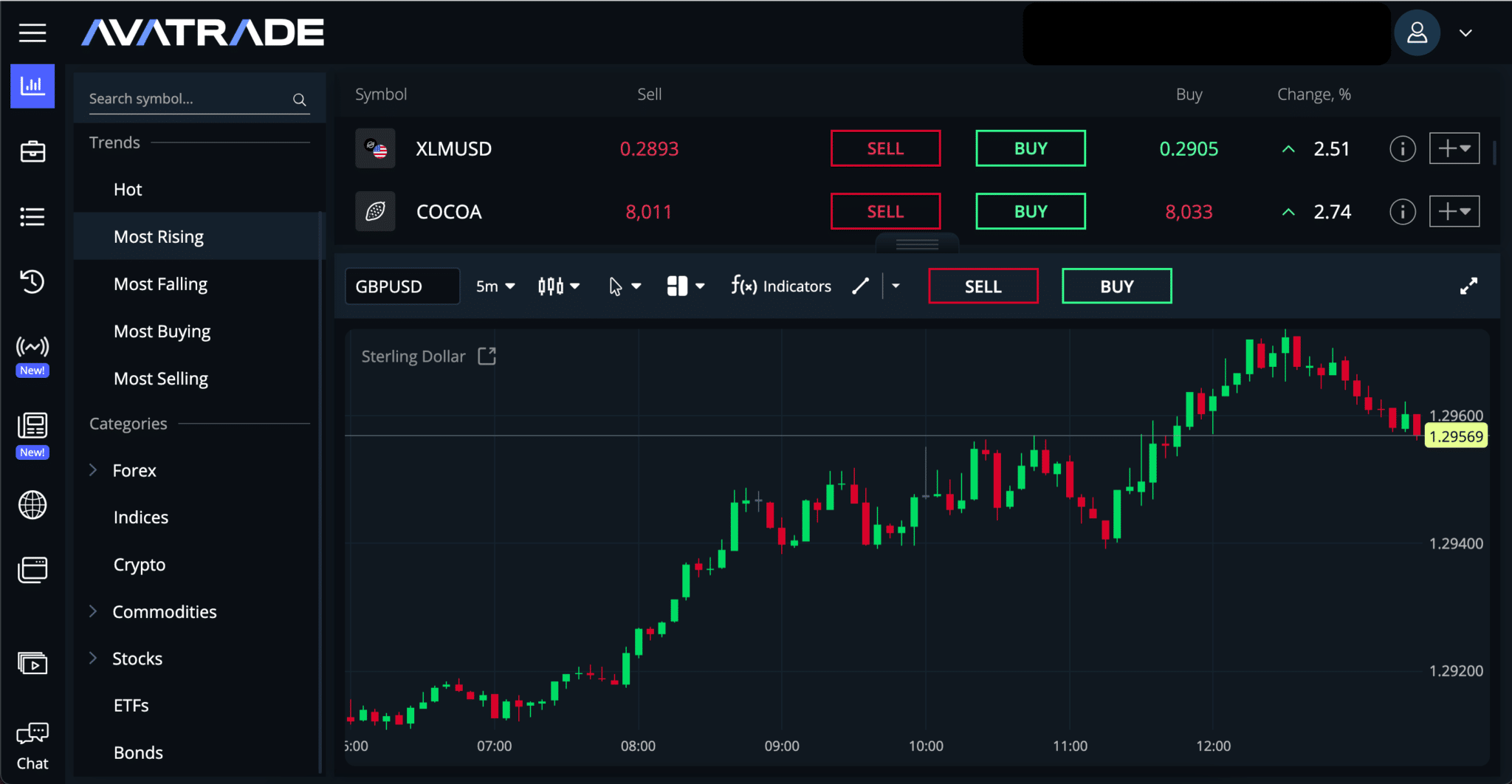
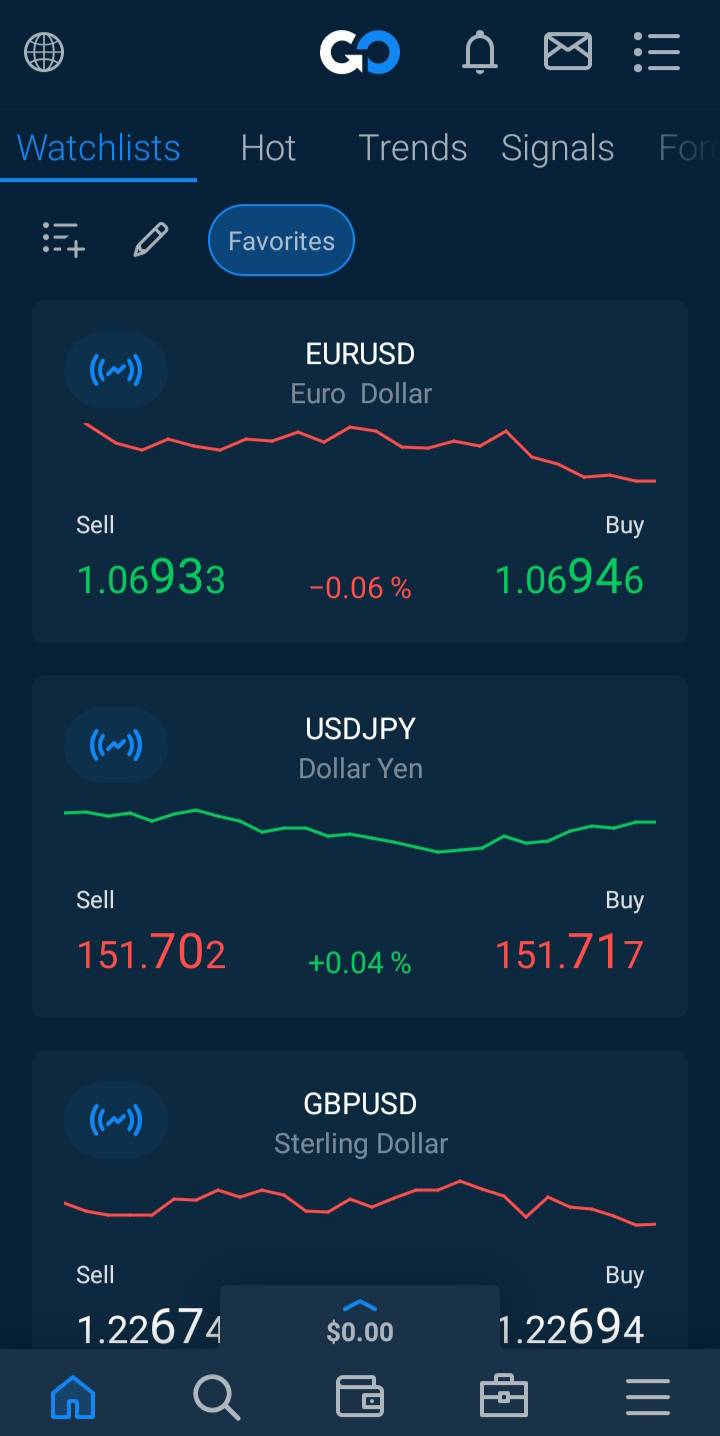
AvaTrade | Best for: Kenyan traders looking for a regulated broker with feature-rich MT4 tools and fixed spread options
FxScouts
 YouTube
Select another broker to another broker to compare features, fees, and platforms side by side.
0 pips
CMA, BaFin, ASIC, FCA, CySEC
USD 0
Pepperstone Platform, TradingView, cTrader, MT5, MT4
400:1
Ideal for cost-sensitive traders and scalpers using MT4
Access to Equinix data centres enables sub-30ms execution speeds
MT4 hosting compatible with Pepperstone’s partner VPS providers
Offers structured MT4 tutorials and Kenya-accessible webinars
Deposit/withdrawal via cards, bank transfers, or e-wallets only
All spreads are floating, which might not suit all traders
Pepperstone | Best for: Kenyan scalpers and algorithmic traders looking for low spreads, fast execution, and EA support on MT4
FxScouts
YouTube
Select another broker to another broker to compare features, fees, and platforms side by side.
0.0 pips
FSA-Seychelles, FSC, DFSA, FSCA, FCA, CySEC
USD 0
HFM Trading App, MT5, MT4
400:1
Supports local Mpesa deposits and withdrawals with same-day processing
Includes Cent, Premium, and Zero Spread MT4 accounts tailored to different trader needs
Welcome, deposit, and loyalty bonuses help boost small initial capital
Includes MT4 usage training for beginners in Africa
Non-Zero accounts may have higher average spreads than competitors
Professional traders may find MT4 features basic compared to MT5
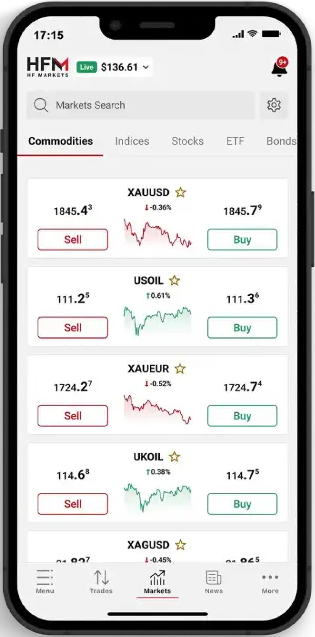
HFM | Best for: Beginners and intermediate Kenyan traders seeking local account options, MT4 stability, and promotions
FxScouts
YouTube
Select another broker to another broker to compare features, fees, and platforms side by side.
0.1 pips
CMA, FSA-Seychelles, FSC, B.V.I FSC, FSCA
USD 3
Exness Terminal, MT5, MT4
Unlimited:1
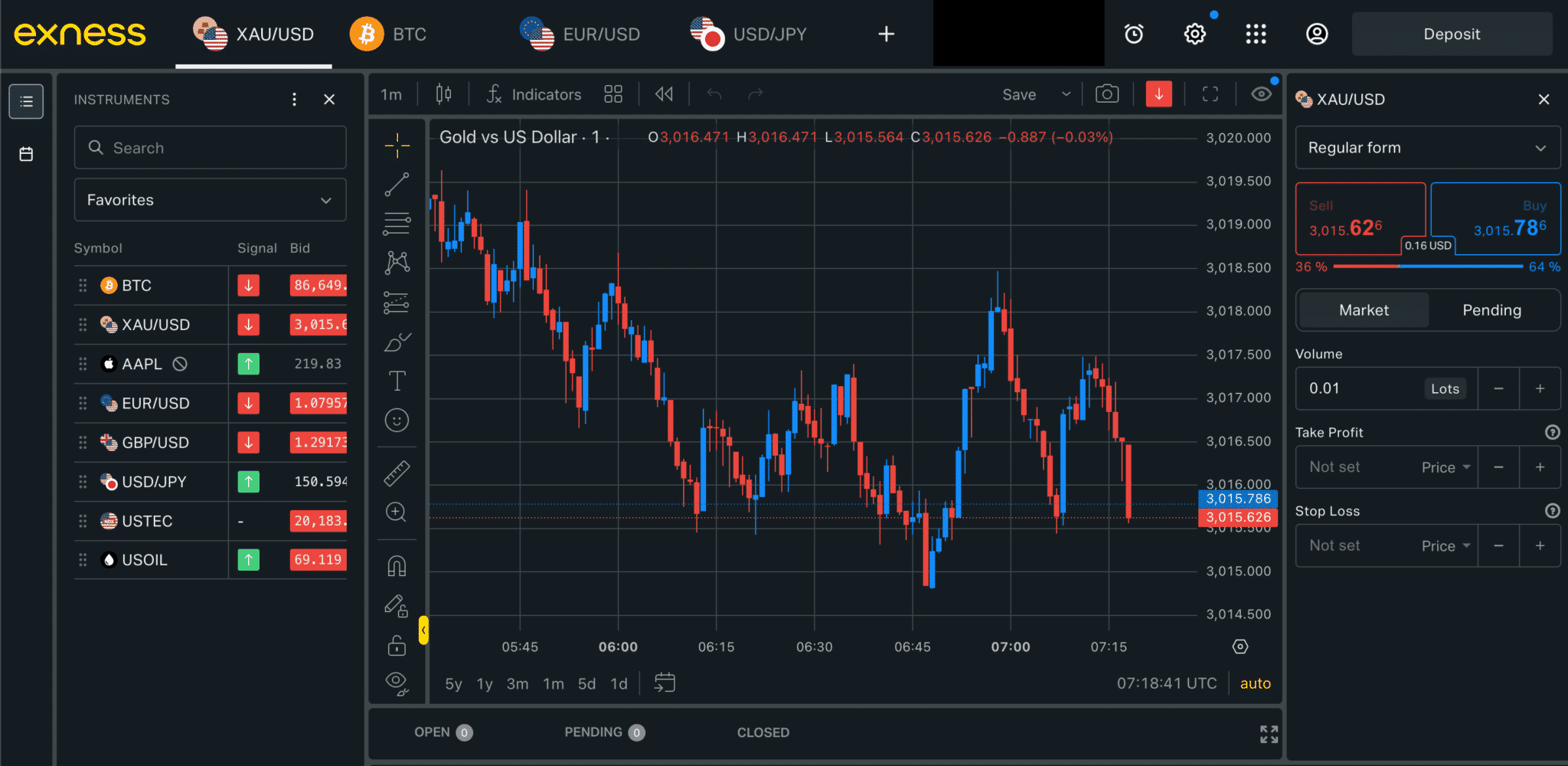
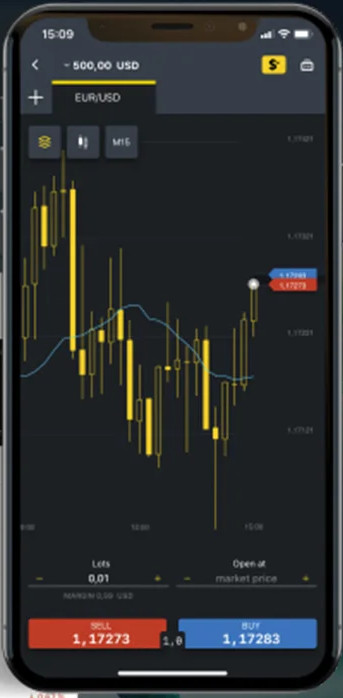
Exness’ Standard Account on MT4 requires a minimum deposit of 3 USD and has average spreads on the EUR/USD of 1 pip. This account is a fantastic low-risk opportunity for new traders to get experience in the live markets. The Pro Account on MT4 has similarly great trading conditions, offering commission-free trading with spreads averaging 0.6 pips EUR/USD – however, the minimum deposit here is 200 USD. Exness also offers two commission-based accounts, with spreads down to 0 pips and a commission of 7.0 USD round trip per lot traded.
All Exness clients on MT4 have access to financial news from the world’s leading providers and the TC.Technical Analysis indicator from the international analytical agency Trading Central. Exness also supports the MT4 MultiTerminal platform, allowing clients to run multiple accounts from a single app. Exness offers full MT4 support, with custom-built EAs allowing for automated trading on all account types.
Unique offer among top-tier brokers, great for aggressive strategies if used responsibly
Funds reach mobile wallets in seconds with no manual approval
MT4 micro account suited for beginner risk management and strategy testing
Perfect for running MT4 Expert Advisors around the clock
Must first trade 5 lots and close 10 orders to enable
Requires separate app for social trading access
Exness | Best for: Kenyan traders who want unlimited leverage, instant withdrawals, and MT4 automation capabilities
FxScouts
YouTube
Select another broker to another broker to compare features, fees, and platforms side by side.
0.6 pips
CFTC, FINMA, FMA, Fi, BaFin, MAS, DFSA, FSA-Japan, FSCA, ASIC, FCA
USD 0
TradingView, L2 Dealer, MT4
200:1
Peace of mind for traders concerned with fund safety and execution quality
Enriched MT4 environment ideal for informed decision-making
Over 17,000 instruments available, including indices and crypto CFDs
Gives traders better control and trade management flexibility
Not as accessible for Kenyan traders starting with small capital
Only bank cards and international wires are supported

IG | Best for: Kenyan traders prioritizing FCA regulation, institutional-grade MT4 access, and premium market data
FxScouts
YouTube
Select another broker to another broker to compare features, fees, and platforms side by side.


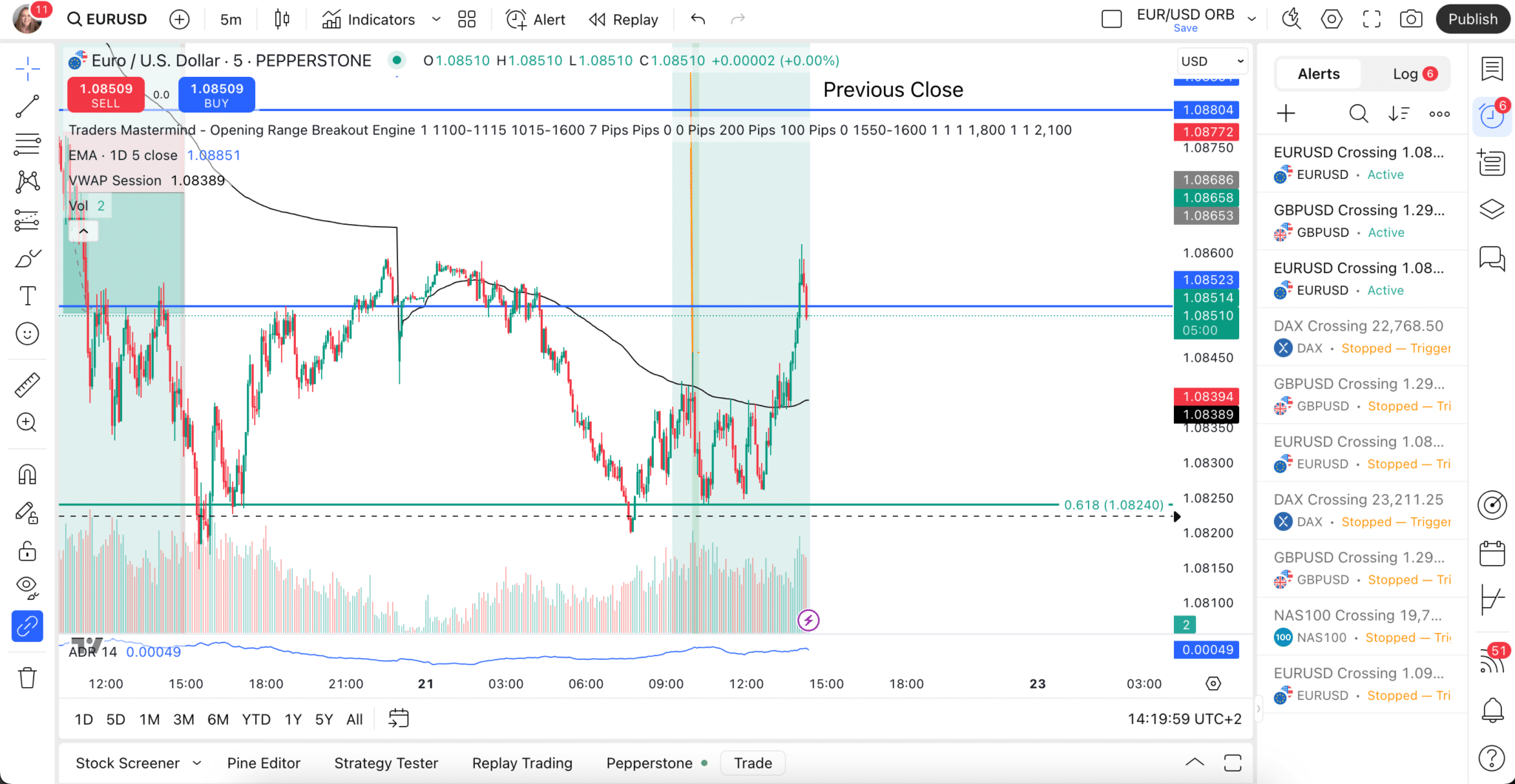
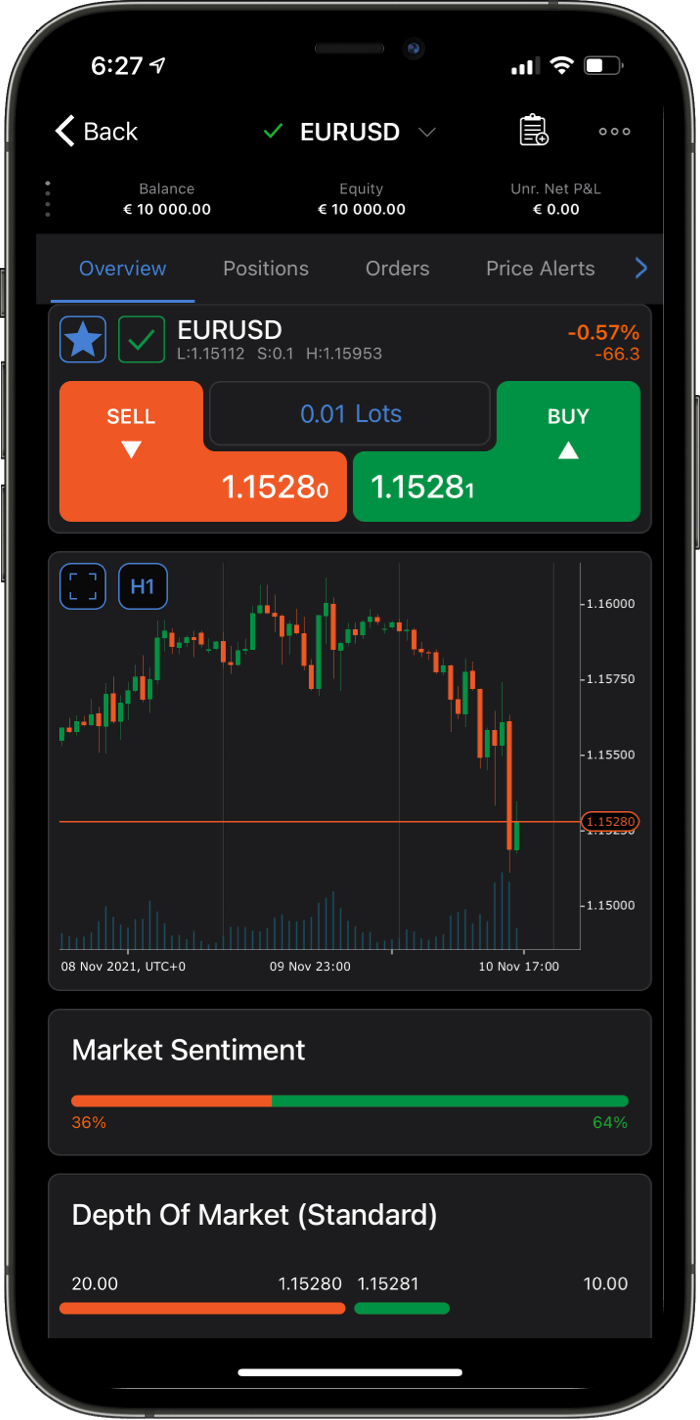
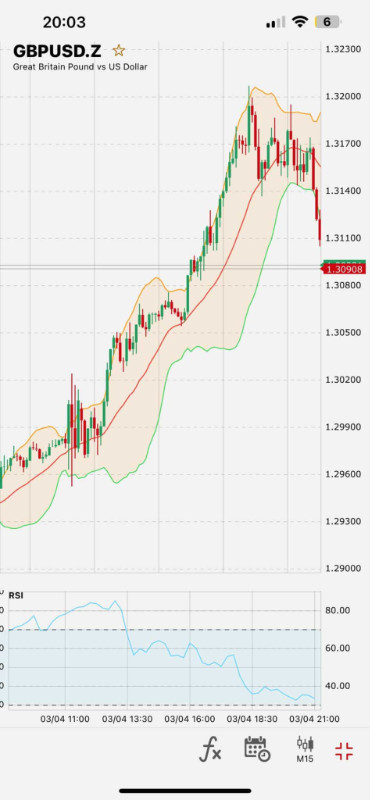
MetaTrader 4 (MT4) is the world’s most popular Forex trading platform. Known for its speed, reliability, and flexibility, MT4 offers advanced charting, custom indicators, and full support for automated trading through Expert Advisors (EAs). It connects directly to your broker’s pricing and execution and is available on desktop, web, and mobile.
MetaTrader 4 is a trading interface you install on desktop, open in a browser, or run on mobile. Your broker operates the MT4 server behind the scenes, connecting the platform to live pricing and handling every order request. When you open or close a trade, MT4 simply transmits the instruction—your broker determines how it’s executed.
What this means in practice:
Released in 2005, MT4 remains the most widely used Forex trading platform thanks to a combination of speed, stability, and an unmatched ecosystem of trading tools.
Why Traders Continue Choosing MT4
For many traders, these strengths outweigh MT4’s dated interface and limited built-in features.
While MT4 remains the dominant Forex platform, MT5, cTrader, and TradingView provide more modern features. The right choice depends on your trading style and asset preferences.
MT4 is ideal for Forex-only traders or those who rely on long-tested MQL4 EAs. MT5 suits traders who want multi-asset access, more timeframes, more order types, and faster backtesting.
| Feature |
MT4 |
MT5 |
|---|---|---|
|
Best For |
Forex-only traders |
Multi-asset traders |
|
Programming |
MQL4 |
MQL5 (faster, more flexible) |
|
Timeframes |
9 |
21 |
|
Pending Orders |
4 |
6 |
|
Backtesting |
Local, single-thread |
Multi-thread + cloud |
|
Interface |
Dated |
More modern |
cTrader offers a modern interface, superior built-in charting, and ECN-style execution. MT4 remains the better choice for traders who rely heavily on custom indicators, EAs, and established workflows.
TradingView delivers industry-leading charting and a strong social community. MT4 excels at trade execution and automated trading. Many traders analyse on TradingView and execute trades on MT4 to combine the strengths of both platforms.
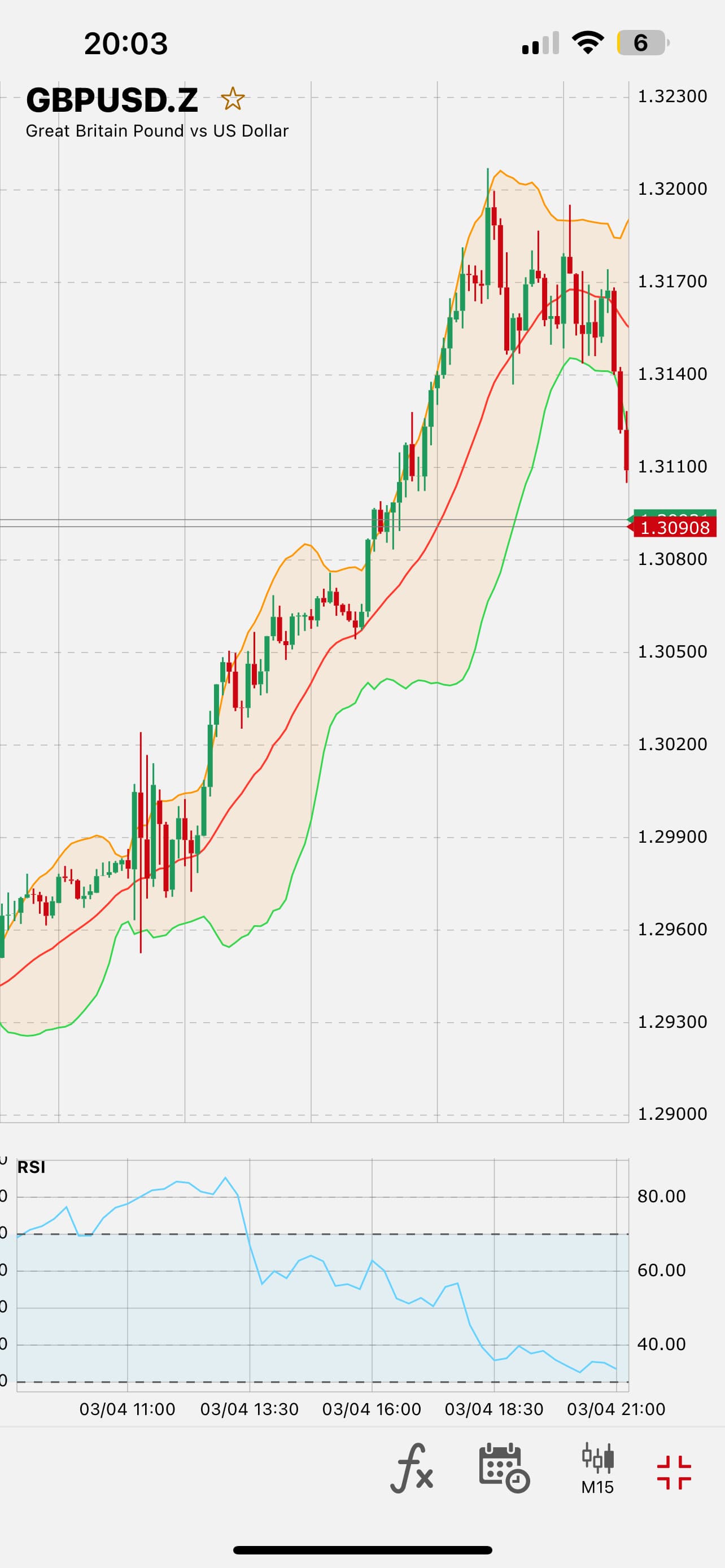
Most traders spend their time in MT4’s charting window, which is a key reason for its lasting popularity.
These tools allow traders to create a clean, efficient workspace suited to any strategy.
Setting up MetaTrader 4 is straightforward, and most brokers make the process beginner-friendly. A demo account is the safest way to learn the platform before trading real money.
Select a well-regulated broker offering tight spreads, fast execution, and strong oversight. Your broker—not MT4—determines your trading conditions.
A free MT4 demo account mirrors real market conditions and helps you practise placing trades, managing risk, and navigating the platform.
MT4 is available in three main formats:
Your broker will provide the correct download links and server settings.
MT4 accounts are created by your broker. Use the login details in the welcome email to connect your MT4 terminal.
Get familiar with:
Practise on demo first. When going live, start small and scale up as your confidence grows.
MT4 supports copy trading through its built-in Signals service and third-party integrations.
How copy trading works:
Copy trading is useful for learning from experienced traders, but results are not guaranteed. Always review a provider’s history and risk profile.
Expert Advisors allow MT4 to run automated strategies written in MQL4. EAs can analyse markets, open trades, and manage positions without manual input.
Key EA features:
Automated trading requires supervision. Poorly designed EAs can be risky, and markets can behave unpredictably. Always test EAs on a demo account first.
While MT4 is still the most widely used Forex trading platform, it has notable limitations:
The MT4 software is free, but trading on it involves several broker-controlled costs:
Your total trading cost depends far more on your broker than on the platform itself.
Since most brokers offer MT4, key differences come from regulation, pricing, and execution.
Choose brokers regulated by authorities such as FCA, ASIC, CySEC, or MAS. Strong regulation ensures client-fund protection and transparent operations.
Compare spreads, commissions, and swap rates—especially on the instruments you trade most.
Execution is entirely broker-dependent. Look for stable, low-slippage execution on ECN, STP, or DMA-style accounts.
Select between Standard, Raw/ECN, micro/cent, or Islamic accounts based on your strategy and deposit size.
Some brokers offer upgraded MT4 tools, such as custom indicators, trading utilities, or VPS services.
Ensure the broker supports the MT4 formats you need—desktop (essential for EAs), WebTrader, and mobile.
MT4 works across multiple devices, though each version offers different capabilities.
The desktop version remains the most powerful and flexible option.
Despite its age, MetaTrader 4 remains the leading platform for retail Forex traders thanks to its stability, fast execution, and strong technical analysis tools. Its huge ecosystem of EAs, indicators, and community resources continues to set it apart from newer platforms.
However, MT4 is only as effective as the broker you use. Regulation, spreads, execution quality, and support ultimately determine your trading conditions. With a well-regulated broker and disciplined risk management, MT4 remains a reliable and versatile choice for traders of all experience levels in 2025.


Find quick answers to the most common questions traders ask about the MT4 platform and its features.
No. MT4 is a trading platform. To trade live markets, you must open an account with a Forex/CFD broker that supports MT4 and log in using the credentials the broker provides.
Yes. MT4 is free to download and use for both demo and live accounts. Your trading costs come from the broker — spreads, commissions, and overnight financing.
MT4 uses encrypted, secure data transmission. Your safety ultimately depends on using a regulated broker that protects client funds and offers negative balance protection.
MT4 was built for Forex, but most brokers also offer CFDs on indices, commodities, metals, and sometimes cryptocurrencies. The available instruments depend on the broker.
MT4 focuses on Forex and uses MQL4, while MT5 is a multi-asset platform with more timeframes, more order types, and the more advanced MQL5 language. MT4 EAs do not work on MT5.
Yes. MT4 fully supports automated trading through Expert Advisors (EAs). You can download or purchase EAs or build your own using MQL4. Always test EAs on a demo account first.
Yes. MT4 is widely available on Android and via WebTrader. Mobile MT4 is ideal for monitoring and managing trades, while the desktop platform is better for analysis and automated trading.
Explore more resources that fellow traders find helpful! Check out these other guides to enhance your forex trading knowledge and skills. Whether you’re searching for the best brokers, educational material, or something more specific, we’ve got you covered.

Discover the top Forex brokers for Kenyan traders. Compare top platforms, fees and features to make an informed trading choice.

Compare the best Forex trading platforms for 2026, including MT4, MT5, cTrader, and TradingView. Find the right tools to enhance your trading experience.

What is Forex trading and how does it work? An easy-to-read guide including how to trade, and how to choose a reliable broker.
60-90% of retail traders lose money trading Forex and CFDs. You should consider whether you understand how CFDs and leveraged trading work and if you can afford the high risk of losing your money. We may receive compensation when you click on links to products we review. Please read our advertising disclosure. By using this website, you agree to our Terms of Service.
Partner Manager and Financial Writer
Head of Content

Financial Writer




Welcome to the FxScouts community! We’re thrilled to have you on board. You’ve successfully signed up for our forex newsletter, where you’ll receive expert insights, market analysis, and the latest news straight to your inbox.
Get ready to stay ahead of the curve with our regular updates designed to help you make informed trading decisions.
Happy trading!
The FxScouts Team